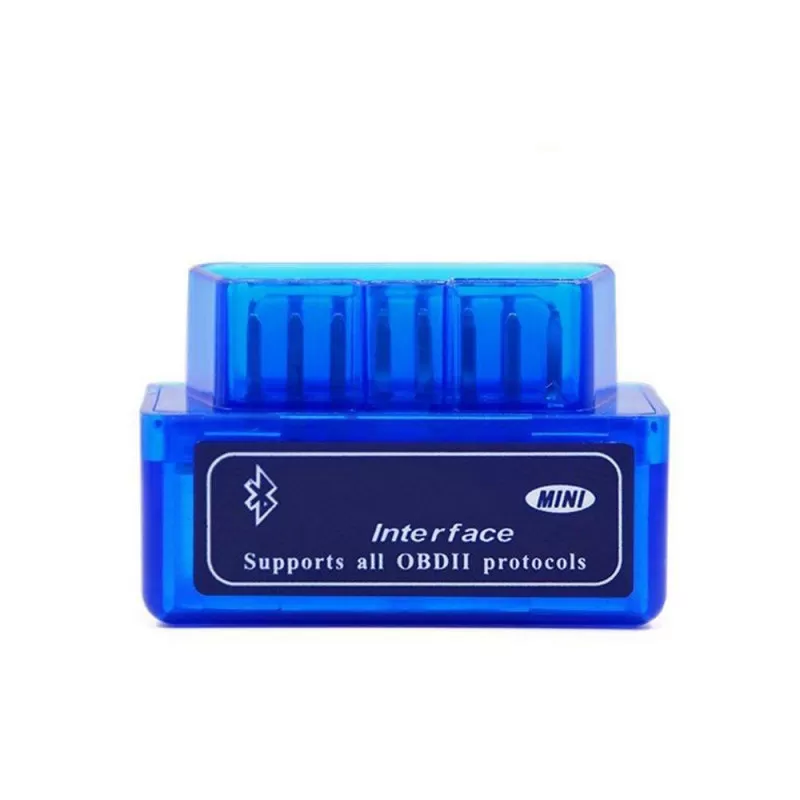
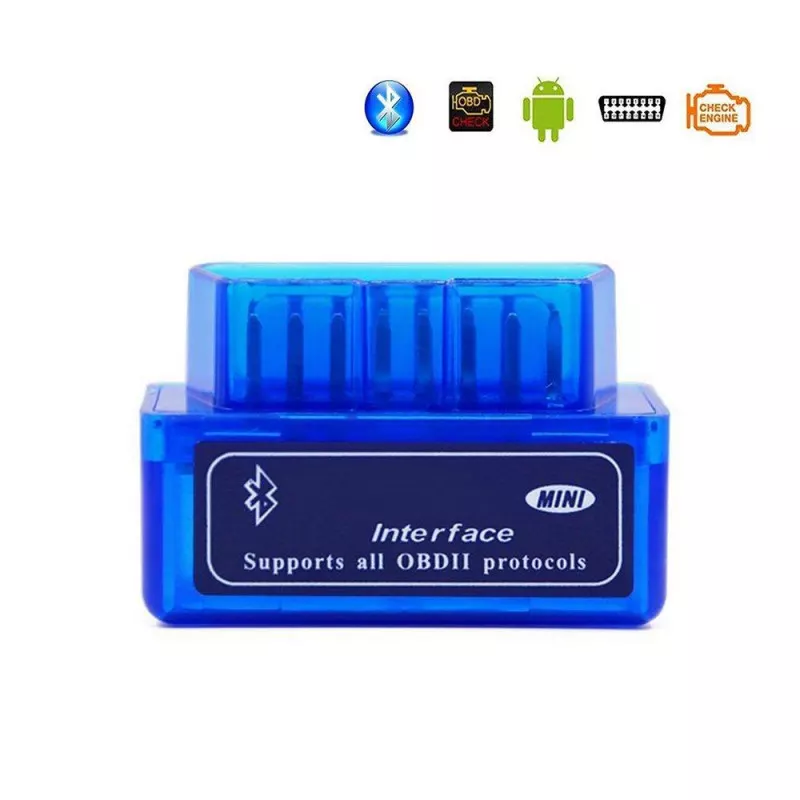
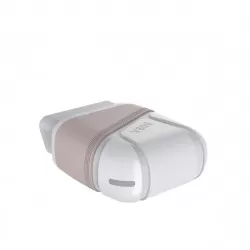
OBD-II error code reader in Bluetooth 2.0 design to diagnose and troubleshoot the car. Easy to use - download the appropriate app for Android / Windows and pair via Bluetooth.Read more
Troubleshooting and diagnosing over 3000 codes: OBDII error code reader with Bluetooth to diagnose and troubleshoot the car. Possibility to read / delete error codes (there are over 3000 generic error codes in the database), to find probable errors and solutions, check real-time data on speed, coolant amount, fuel system status, temperature, air volume, oil pressure, ignition, etc.
Easy installation: It is also very easy to install: Just extract the files in a folder on your computer's hard drive and you are ready to start reading and clearing error codes, view data from the car's sensors, etc. To uninstall the program, delete the entire contents of the folder where the program is located.
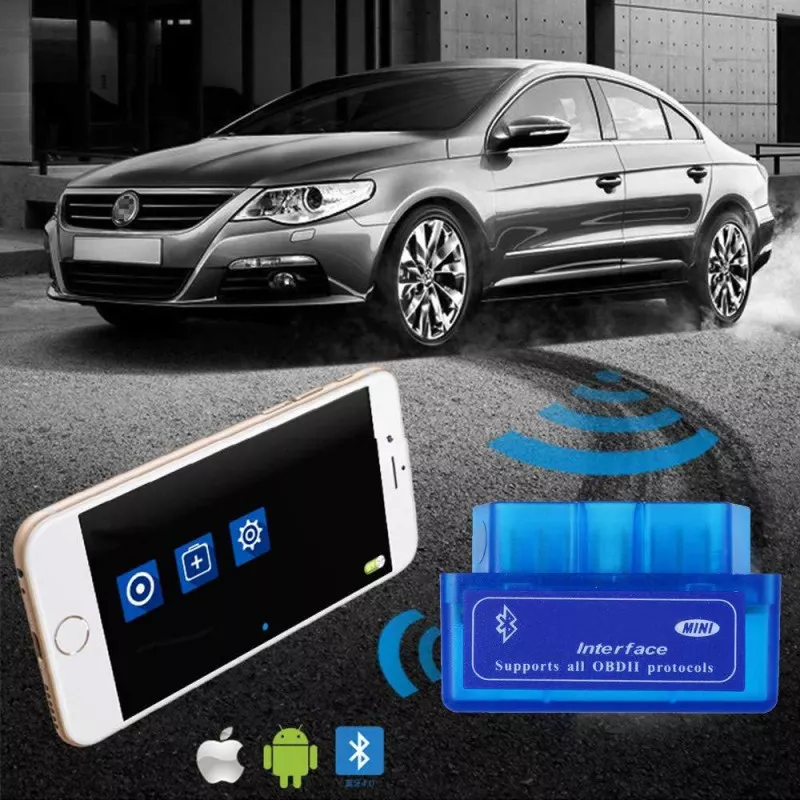
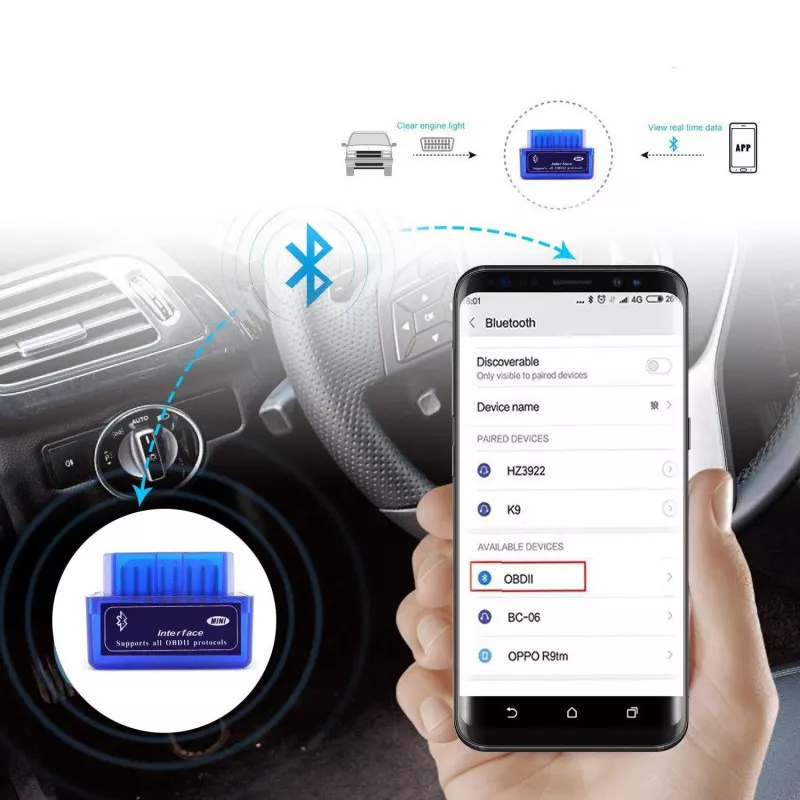
Easy connection: The adapter is easily connected to the car's ODB2 socket and via Bluetooth it is connected to a mobile phone, tablet or laptop. Connect the device to the OBD2 port on your car, start the car, activate Bluetooth on your Android mobile or tablet, search for "OBDII" and pair. Launch the app and wait until it connects to the car's controller.
User-friendly program: The OBD-II software for Bluetooth is a program that enables you to get information from your car's computer using your computer / mobile phone and a hardware interface. The program is very user-friendly and easy to learn.
The program allows you to perform the following actions: Read diagnostic problem codes (error codes), both generic and manufacturer-specific, and show their significance (over 3000 generic code definitions in the database). 2. Clear error codes and turn off the MIL ("Check Engine") light 3. View current sensor data, including: Engine RPM Calculated load value Coolant temperature Fuel system status Vehicle speed Short-term fuel trimming Long-term fuel trimming Intake pressure The timing advance unit Inlet air temperature Air flow rate Absolute throttle position Voltage oxygen sensor / associated short-term fuel trimming Fuel system status Fuel pressure ... and many more.
Compatible software: Windows: ScanMaster, ScanTool.net, PCMSCAN Android version: Torque, OBD Car Doctor, DashCommand, EOBD, Mini OBD Symbian version: OBDScope Operating system: Windows XP, Windows 7/8, Android, Symbian IOS system: Apple
Supports the following protocols:
1. ISO9141-2 (5 baud init, 10.4Kbaud)
2. ISO14230-4 KWP (5 baud init, 10.4 Kbaud)
ISO14230-4 KWP (fast init, 10.4 Kbaud)
ISO15765-4 CAN (11bit ID, 500 Kbaud)
5. ISO15765-4 CAN (29bit ID, 500 Kbaud)
ISO15765-4 CAN (11bit ID, 250 Kbaud)
ISO15765-4 CAN (29bit ID, 250 Kbaud)
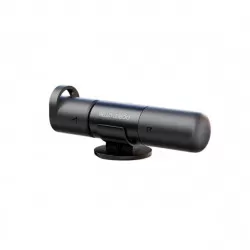
The package includes: 1 x MINI OBDII Bluetooth error code reader
I haven't had a chance to test it yet, but I received it quickly after purchasing it, so I'm very happy with that part!
P
P
PENA
se🇸🇪
INF OBD II v2.1 error code reader - Bluetooth 2.0
09 May 2023
A functioning device
N
N
Niklas
fi🇫🇮
INF OBD II v2.1 error code reader - Bluetooth 2.0
24 Oct 2023
Avoid this one. Doesn't work with all Bluetooth iOS apps. Can't find codes either (when I found an app that worked), even though I have error code 4001 Parking heater. Garbage, don't buy this one. Spend your money on one that works from a well-known brand instead.
K
K
kolol
se🇸🇪
INF OBD II v2.1 error code reader - Bluetooth 2.0
22 Jun 2023
OS: Android 13 Phone: Google Pixel 6a Car: Kona EV 2020I can pair the device with the phone, and the various apps I have tried show that the device is connected. However, the only data I get is MCU info and adapter voltage. No information about the car’s battery, temperatures, speed, etc.I have tried the following apps: ABRP, Torque, Car Scanner ELM, and a couple of the apps that the manufacturer lists as supported.In fact, this exact device is listed with a picture among the adapters to avoid, according to the Car Scanner ELM website: "Never buy this “bad” adapters:"I therefore cannot recommend this.
K
K
Kristian
se🇸🇪
INF OBD II v2.1 error code reader - Bluetooth 2.0
28 Feb 2023
Very difficult to get this in place in the car socket, and you have to use a lot of force to push it all the way in. After connecting it, it cannot connect via Bluetooth, and customer service at INF has no other solution to the problem than to advertise the product. This is a cheap product, but you should still be able to expect it to work as described, and it does not.
A
A
Anders
fi🇫🇮
INF OBD II v2.1 error code reader - Bluetooth 2.0
22 Jan 2023
It has not been delivered
B
B
Barbara
de🇩🇪
INF OBD II v2.1 error code reader - Bluetooth 2.0
17 Dec 2022
The plug-in system needs an adapter because the polarity is not compatible with the connector in the vehicle, and although it really has many functions, it does not display relevant errors or shows them as N/A . Unfortunately, the sensor for the tire valves cannot be controlled at all, and this has to be relearned when changing them. But for the price, there is certainly a lot included that others can make use of

 Free Shipping
 Free returns














 Outlet